
















Car Virtual Cockpit digital instrument cluster Upgrade Guide
Car Virtual Cockpit — OEM-Style Digital Instrument Cluster Guide
Audi & Volkswagen focus · LCD instrument basics · virtual cockpit retrofit · plug-and-play cluster
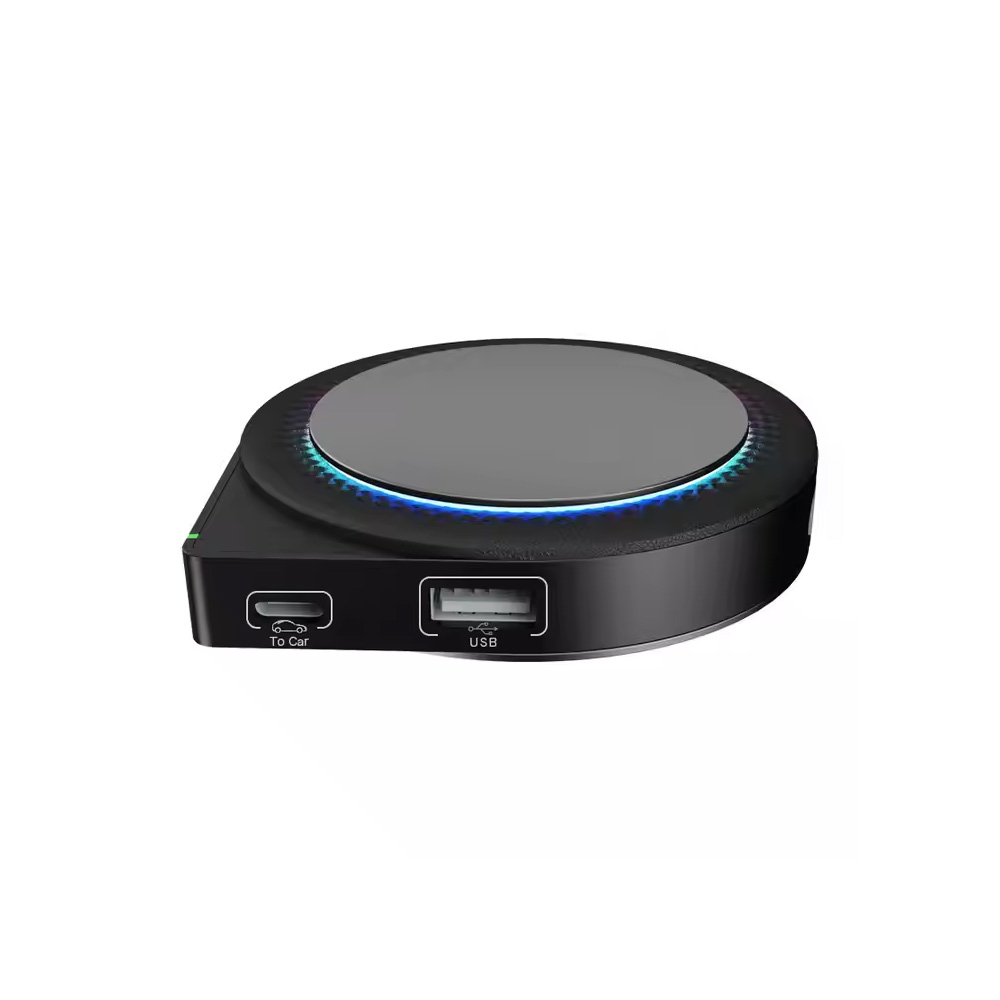
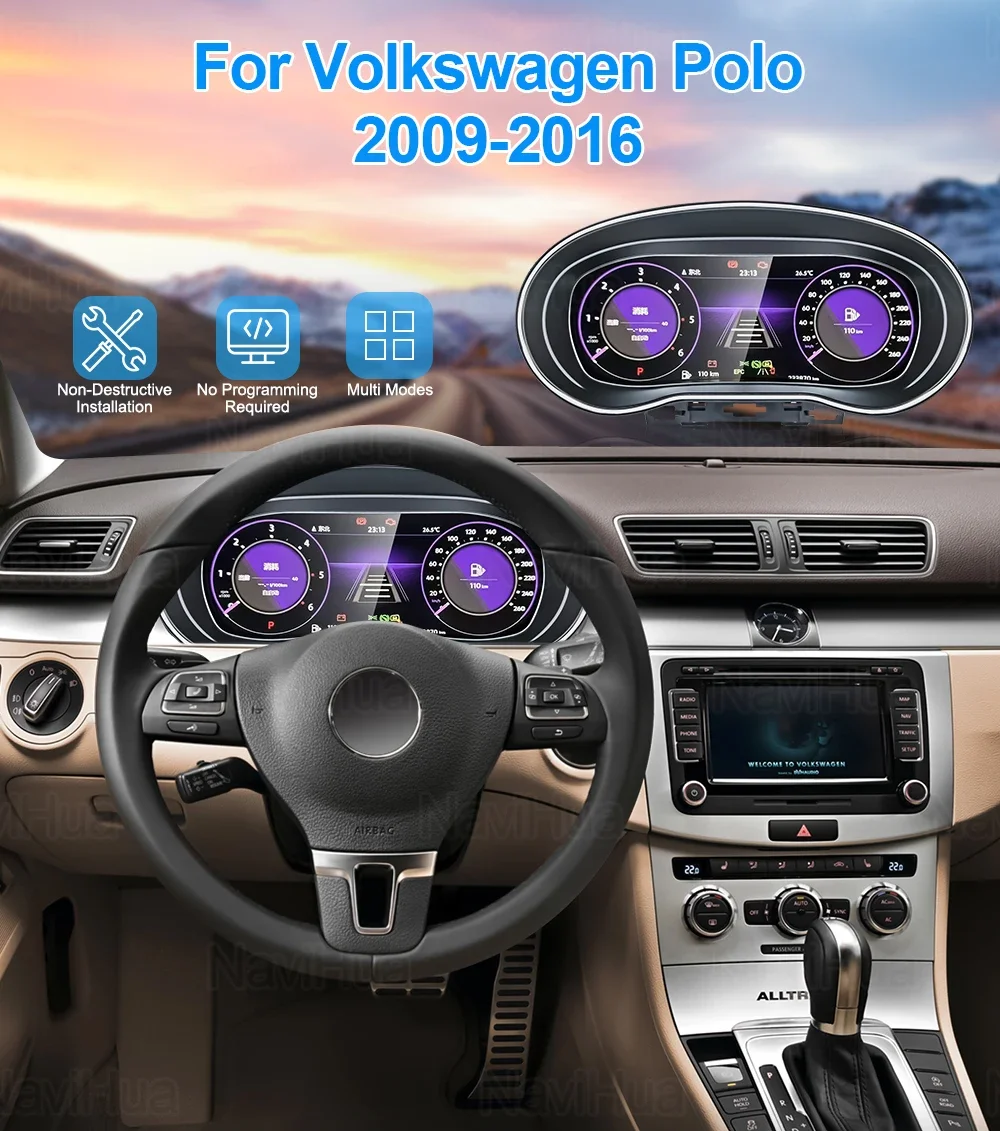
What is a car virtual cockpit?
A Car virtual cockpit is a full-screen LCD instrument that replaces analog gauges with a digitalna instrumentna ploča. It renders the speedometer & tachometer LCD, vehicle status, navigation prompts, and media information in real time. Compared with old dials, a modern OEM-style digital cluster improves legibility, customization, and integration with in-car systems.
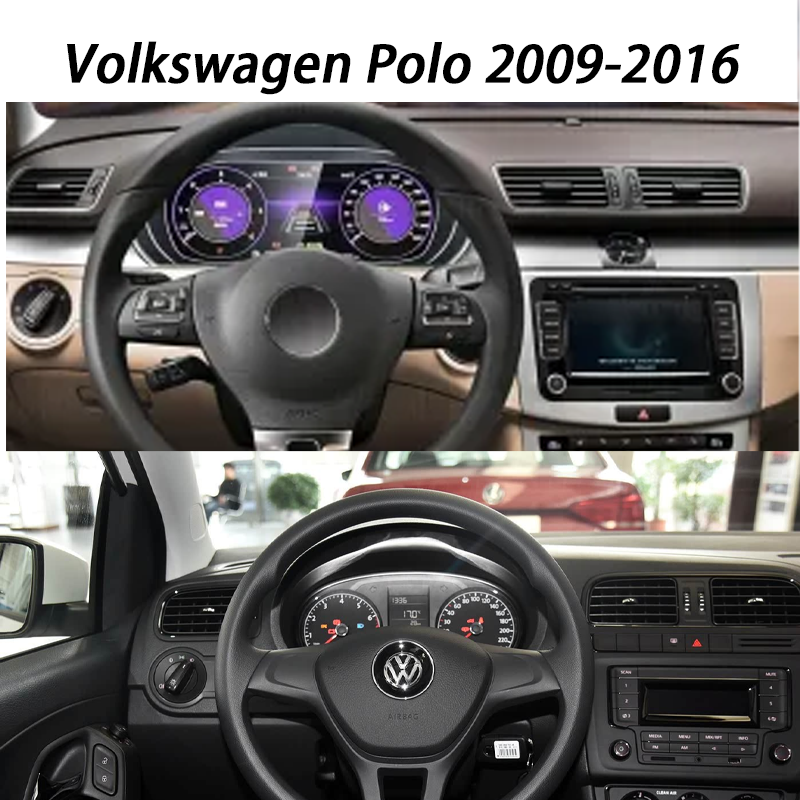
Key benefits of a digital dashboard upgrade
High-contrast visibility
12.3-inch digital cluster options deliver crisp 1920×720-class layouts with adaptive brightness for day/night readability.
Layouts & widgets
Switch between classic and performance views; show navigation, driver-assist, or trip data as you prefer.
Ambient light & theme sync
On supported cars, the ambient light & theme sync aligns the cluster palette with vehicle driving modes.
OEM-style fit & diagnostics
The cluster keeps factory signals, warnings, and service indicators to preserve an OEM-like experience.
Beyond the specs, the real value of a digital dashboard upgrade is day-to-day usability. The cluster renders information with deliberate hierarchy: a large, legible speedometer & tachometer LCD at a glance; context tiles for lane assist, ACC distance, and navigation; and clear warnings that avoid the “light show” effect of old dials. Font weights, iconography, and contrast are tuned for quick recognition under vibration and glare. On supported Audi and VW models, ambient light & theme sync matches the colorway to your selected drive mode—cool neutrals in Comfort, saturated highlights in Dynamic—so the UI feels consistent with the car’s personality rather than a generic add-on screen.
For longer trips, the map-centric view brings guidance into your natural sightline, reducing eye travel from the cluster to the center display. You can keep a compact tach strip for engine load while dedicating more space to route cues and speed limits. When towing or driving in hilly terrain, switching layouts prioritizes coolant temp, oil temp, or boost where supported, without hunting through menus. That flexibility is why many owners describe a well-tuned Car Virtual Cockpit as “calmer” to live with—it surfaces the right signals at the right moment and removes the rest.
Audi & Volkswagen fitment (OEM-style digital cluster)
Ikagoo focuses on Audi i Volkswagen virtual cockpit solutions across selected MQB/MLB years.
- Audi: A3/A4/A5/Q3/Q5 (selected years and platforms). Check exact platform (e.g., 8V/8W/MLB) before purchase.
- Volkswagen: Golf/Passat/Tiguan/Jetta (selected MQB vehicles). Verify CAN/MQB variant and year.
Screen sizes vary by trim and bezel: a 12.3-inch digital cluster is common on many platforms; some use a 10.25-inch panel. Ikagoo supplies plug-and-play cluster kits with model-specific harnessing and frames where applicable. For community retrofit context, see Honda CR-Z GPS i HR-V radio discussions.
Fitment hinges on platform details: MQB cars may share cluster housings yet differ in gateway firmware and pinout, while MLB platforms vary by bezel geometry and sensor set. A true OEM-style digital cluster preserves factory signals (turn indicators, TPMS, high beam, airbags) and displays service counters correctly. If your car shipped without navigation, you can still benefit from the performance views and trip analytics; if it has OEM nav or CarPlay/Android Auto, the retrofit virtualnog kokpita harmonizes prompts so the cluster and head unit are never fighting for attention. Confirm VIN-level compatibility and year breaks, then select the fascia that matches your trim to maintain a seamless look.
Virtual cockpit retrofit — plug-and-play steps
Step 1 — Compatibility check
Confirm model year, platform (MQB/MLB), gateway, and instrument coding. Regulatory items like immobilizer/component protection may apply.
Step 2 — Kit selection
Select an OEM-style digital cluster (often 12.3") plus the correct bezel/frame and a model-specific plug-and-play harness.
Step 3 — Removal & install
Disconnect the battery. Remove the old cluster carefully, route the harness, connect the new LCD instrument, and reassemble the trim.
Step 4 — Coding & calibration
Perform basic settings, unit selection, language, and warning-light checks. Enable speedometer & tachometer LCD views and theme sync where supported.
If you track off-site mentions for this page, check a sample backlink analysis.
Most owners choose the plug-and-play cluster route because it avoids cutting wires and preserves warranty-safe reversibility. Installation typically takes under two hours for an experienced technician; first-timers should allocate a relaxed afternoon to avoid rushed reassembly. After coding, validate warning lights, indicator chimes, units, and language. Ikagoo provides documentation for common coding paths and regional nuances, plus post-install checks to ensure the digitalna instrumentna ploča behaves like factory equipment from day one.
For unrelated SEO housekeeping, see a neutral note on aged domains.
Često postavljana pitanja
Does “Car virtual cockpit” mean the same as a digital instrument cluster?
Yes. It’s a full-LCD digitalna instrumentna ploča that replaces analog gauges with configurable screens.
Is the retrofit plug-and-play?
Most Ikagoo kits are plug-and-play cluster solutions with model-specific harnesses. Coding or calibration may still be required after installation.
Will it sync with ambient light & vehicle themes?
On supported models, ambient light & theme sync aligns cluster colors with drive modes and interior lighting.
What screen sizes are available?
The most common is a 12.3-inch digital cluster; some platforms use a 10.25-inch LCD. Bezel/frame dictates final visible size.
Which brands does Ikagoo support?
Currently Audi and Volkswagen only.


Add comment