


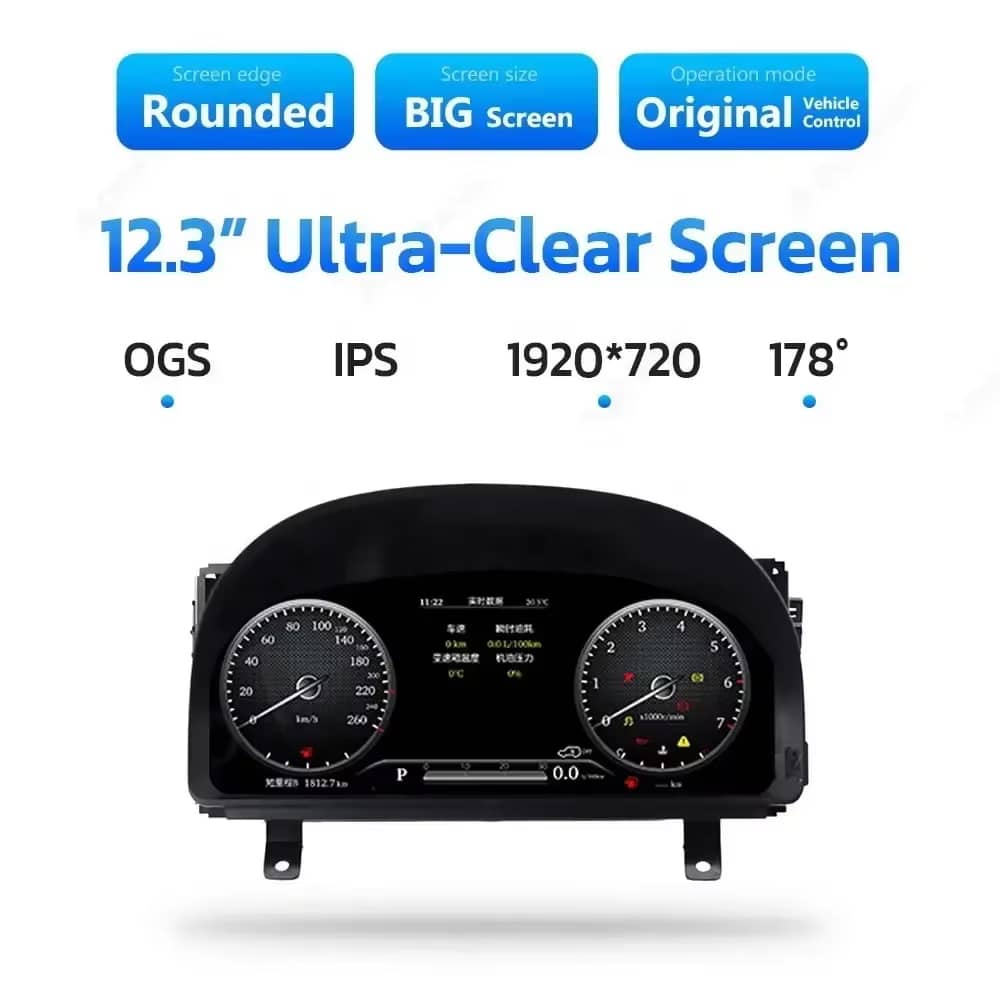
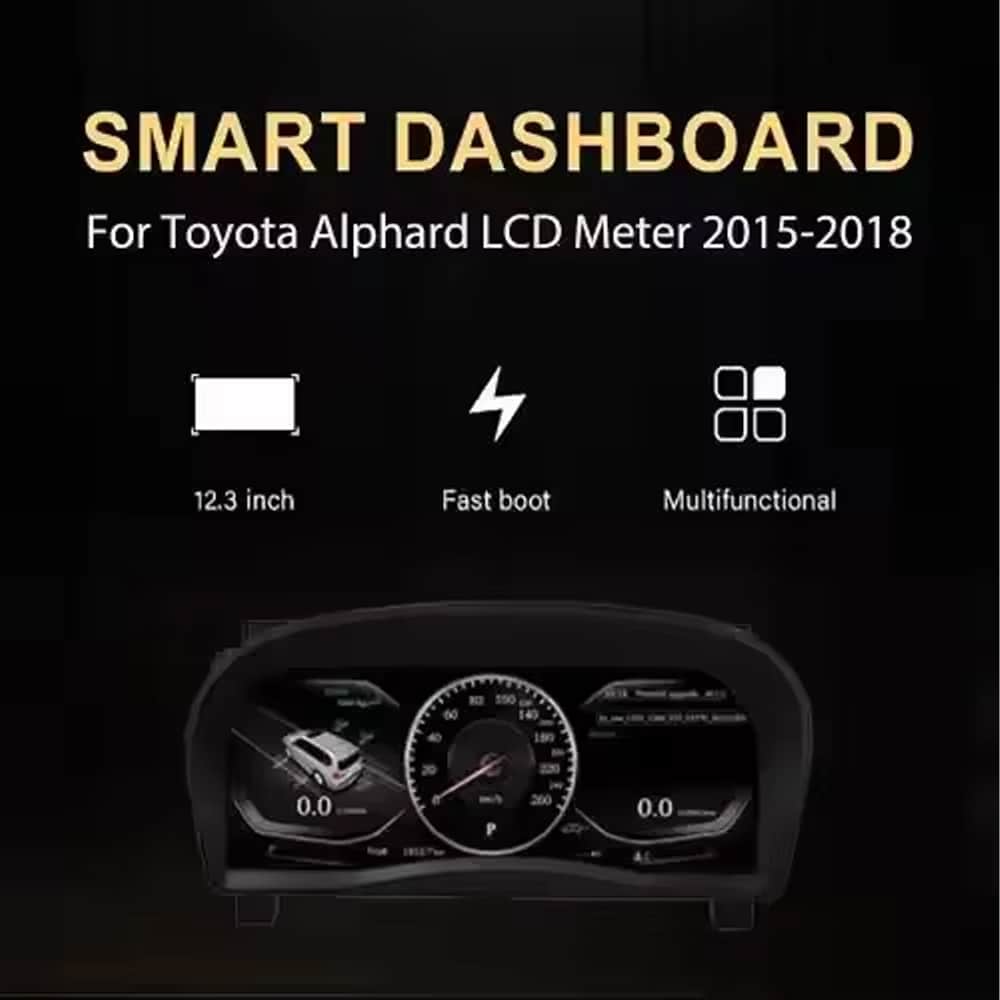
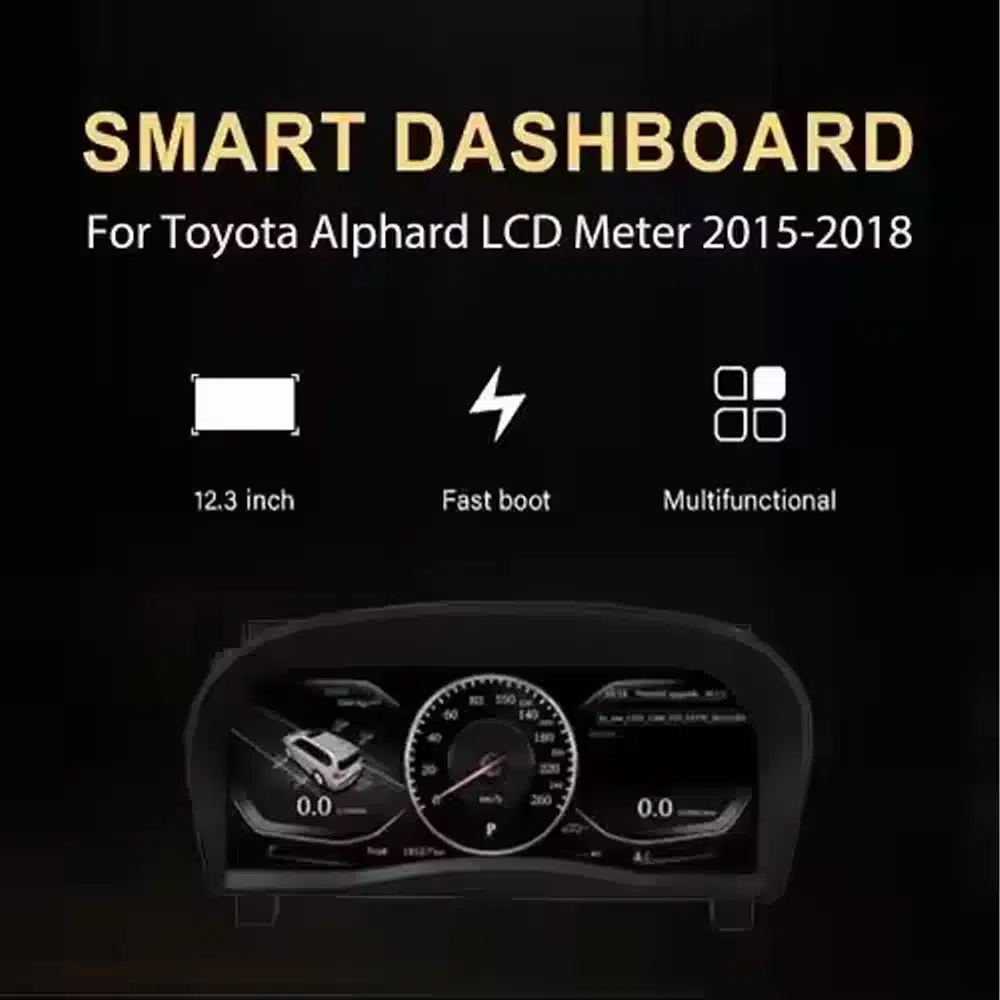
Clear 12.3-Inch Display
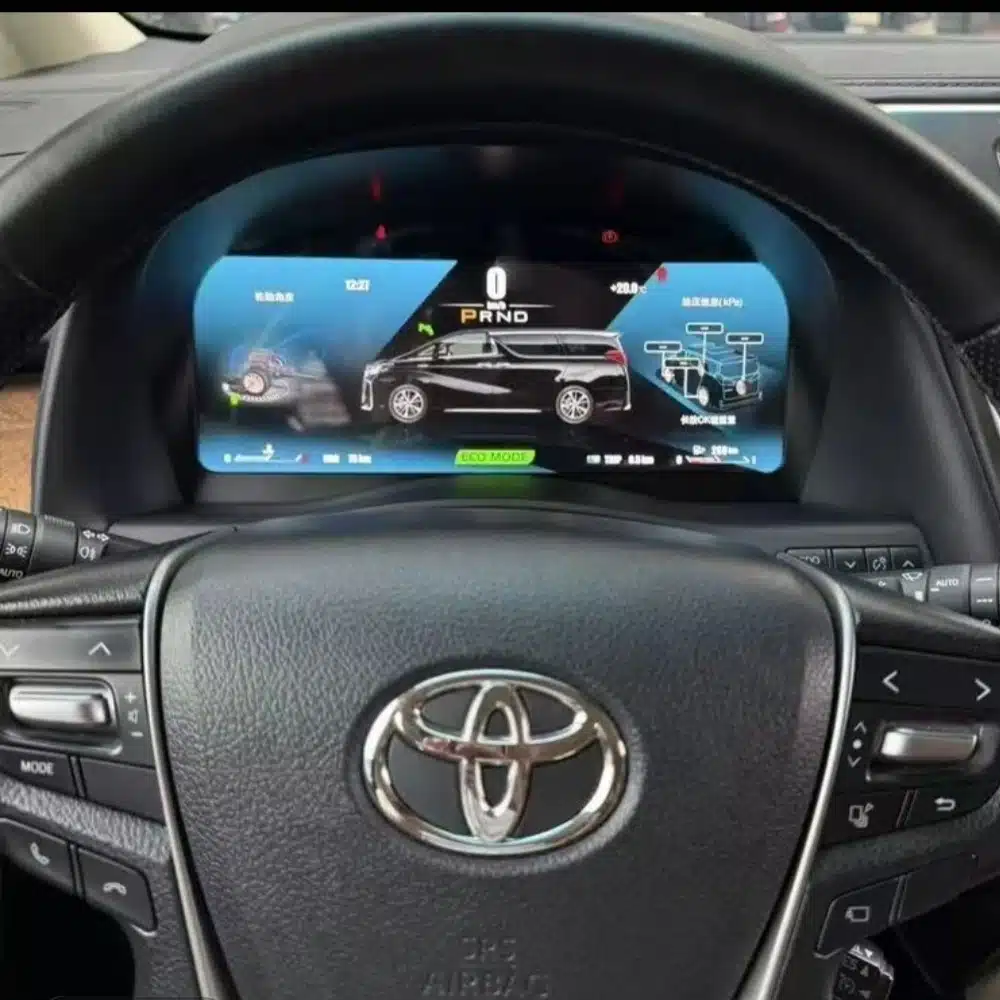
A wide 1920×720 screen makes speed, RPM, gear and vehicle information easier to view from the driver’s position.

No products in the cart.
| Težina | 6 kg |
|---|---|
| Dimenzije | 48 × 38 × 28 cm |
| Prateći automobil | Alphard 20 Series(2008-2019) |
| Kompatibilnost proizvoda | Plug-and-Play |
| Podrijetlo proizvoda | No Genuine original product |


$995.00 Izvorna cijena bila je: $995.00.$785.00Trenutna cijena je: $785.00.

Brinemo se o svim PDV-ima i pristojbama. Procijenjena ušteda: $120–$280.
Provjera kompatibilnosti, sigurno plaćanje, praćena dostava i praktična podrška nakon prodaje.
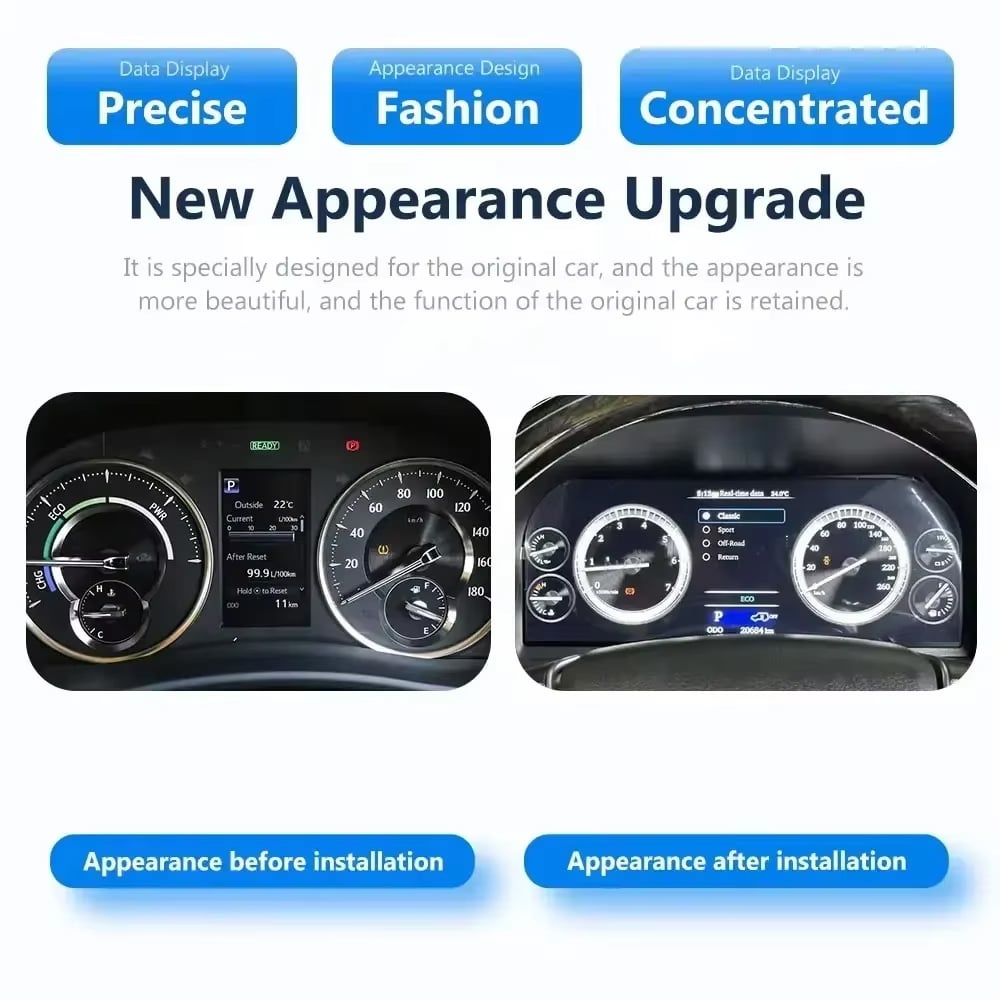
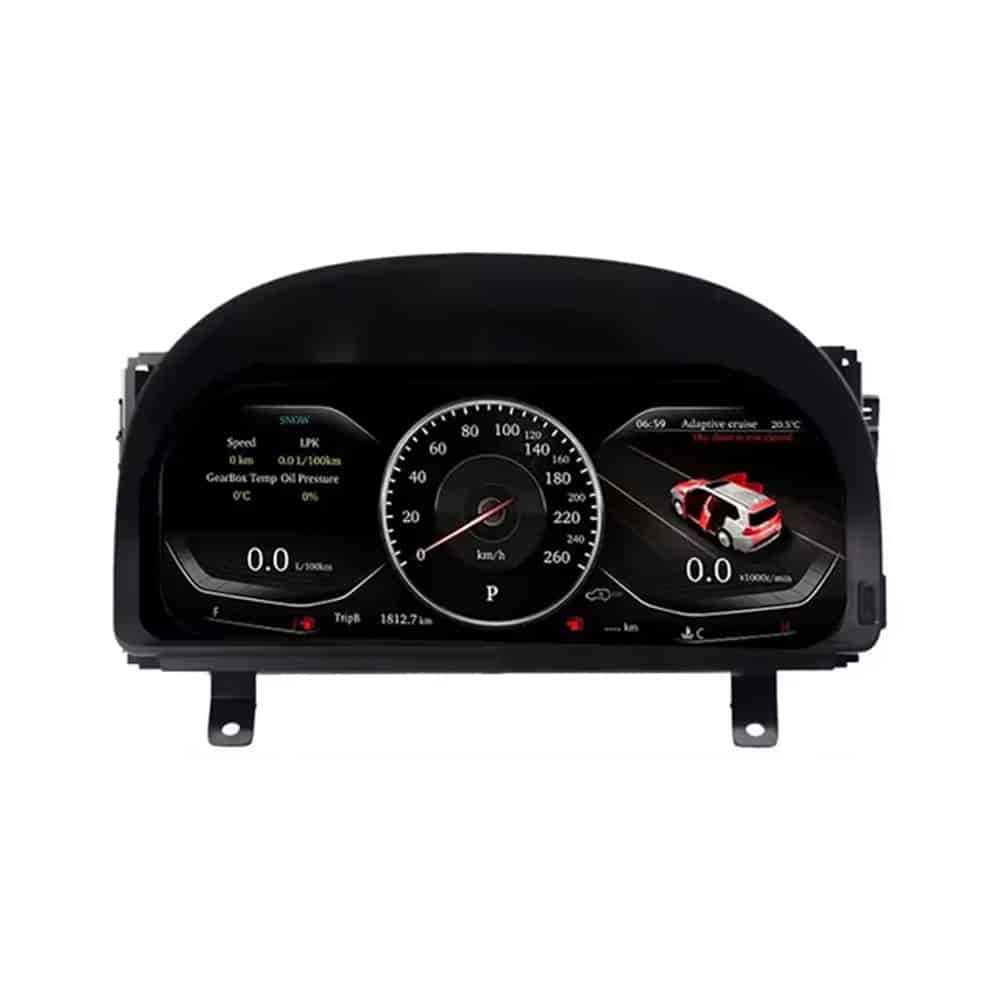
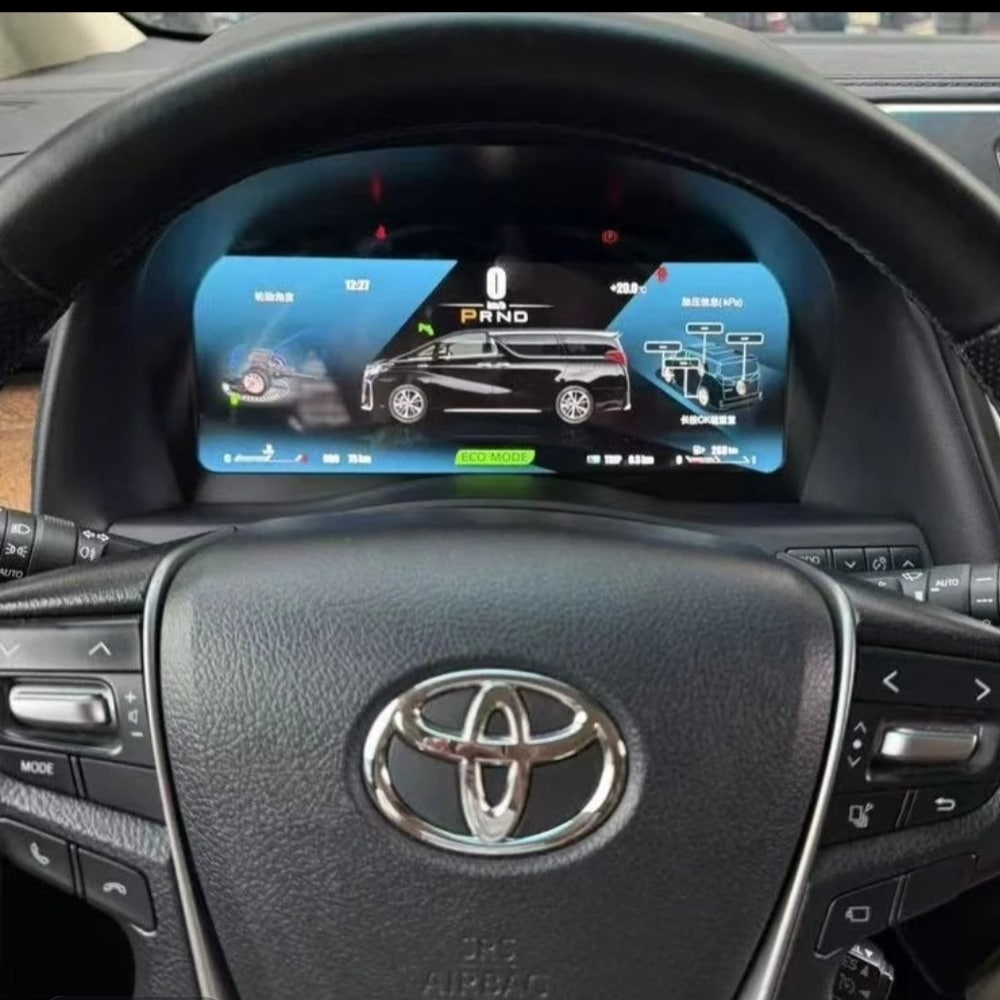
The Toyota Alphard 20 Series digital cluster replaces the original gauge assembly with a 12.3-inch, 1920×720 Linux LCD display. It gives you a clearer digital view of speed, RPM, gear position, fuel information, temperature, mileage and supported vehicle warnings while keeping the dashboard layout integrated with the vehicle.
This is a complete instrument-cluster upgrade, not an Android radio or a CarPlay-only module. iKAGOO checks your vehicle year, dashboard photo, market specification, steering position and original connector configuration before shipment so the correct cluster and matched wiring can be prepared for your order.
This product is a vehicle-specific full-LCD instrument cluster for the Toyota Alphard 20 Series, generally associated with the second-generation dashboard introduced from 2008 until the 2015 model transition. It replaces the original instrument assembly and displays supported driving and vehicle information through a modern digital layout.
Registration years can overlap between markets. Send iKAGOO a clear photo of your current instrument cluster and dashboard before shipment. Customers with the later 2015–2019 dashboard should use the separate later-generation cluster version shown further down this page.
The value is not limited to a larger screen. This upgrade changes the information you see every time you drive and gives an older Alphard cockpit a cleaner digital presentation.
A wide 1920×720 screen makes speed, RPM, gear and vehicle information easier to view from the driver’s position.
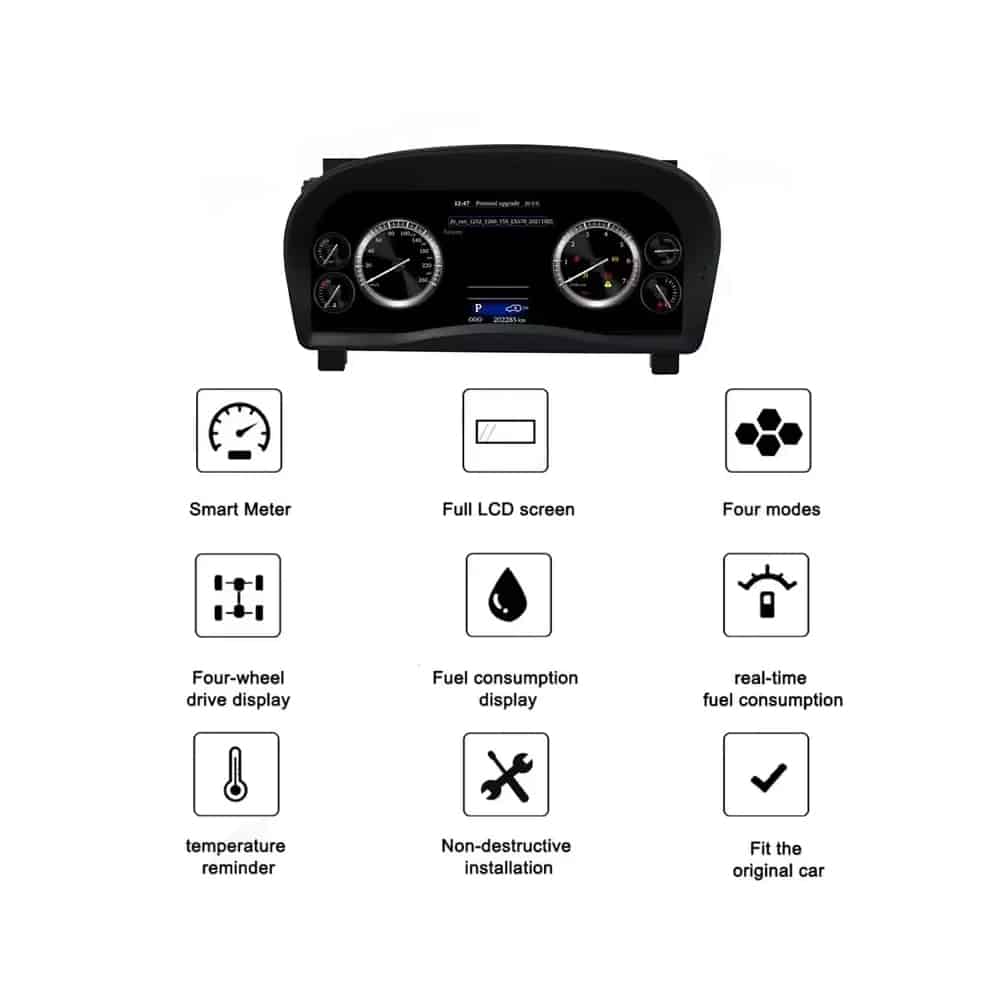
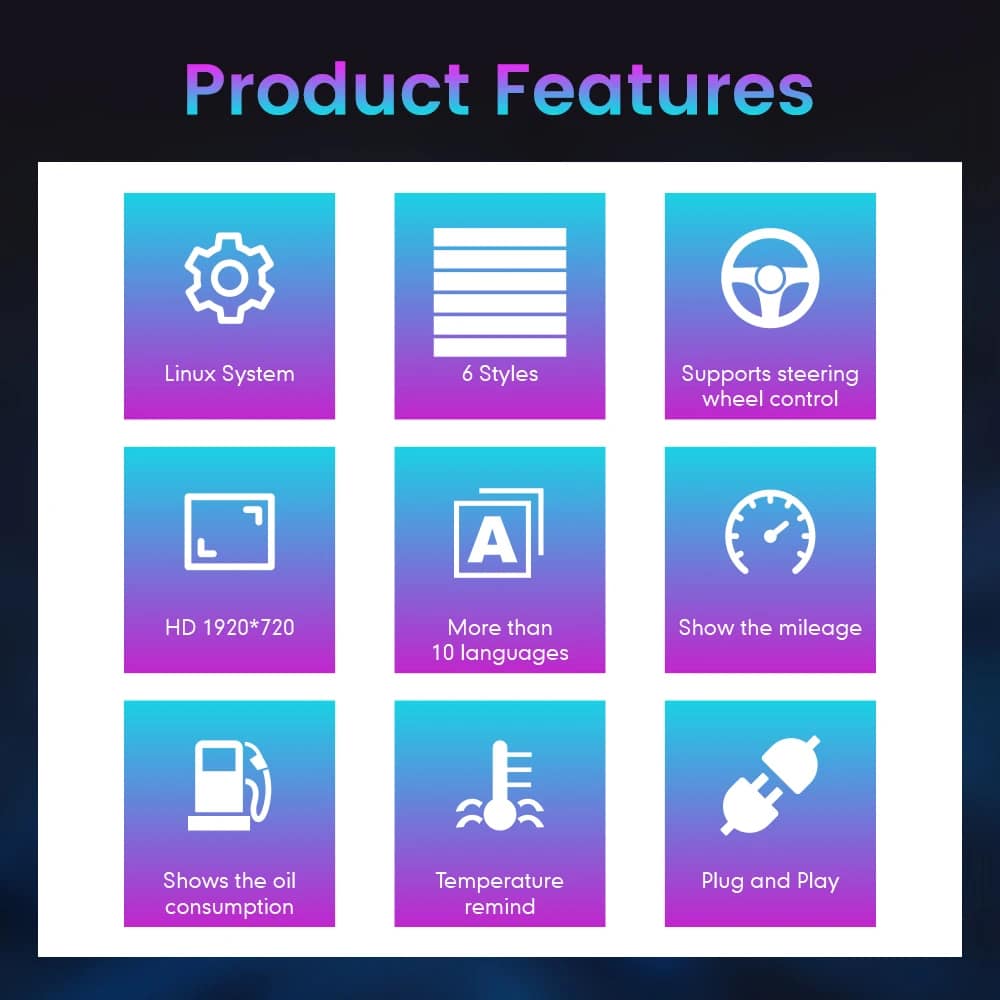
Choose from multiple instrument themes and layouts. The exact theme set depends on the cluster version prepared for your vehicle.
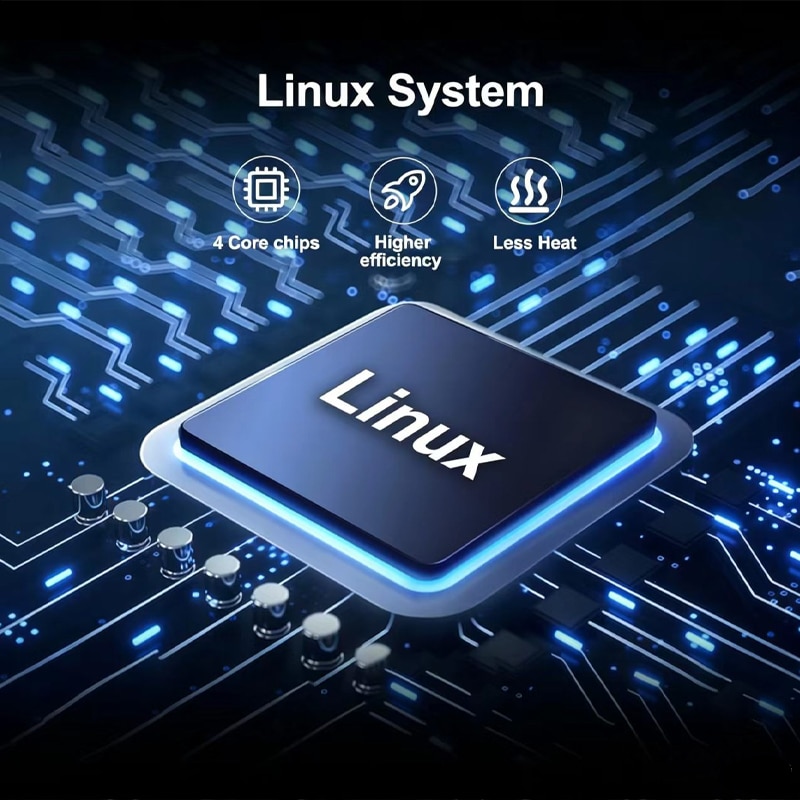
The cluster uses a dedicated Linux instrument system designed for fast startup and direct access to driving information.
Supported speed, RPM, gear, fuel, temperature, mileage, consumption and warning information continue to be displayed.
MPH or KM/H, interface language and regional vehicle details can be checked as part of your order preparation.
iKAGOO prepares the applicable cluster and wiring arrangement according to the vehicle information you provide.
With the correct Alphard version, matched wiring and proper installation, the cluster is designed to continue displaying the original driving information you rely on.
Original vehicle speed and engine-speed information are supported.
Supported gear-position information continues to be shown on the digital display.
Fuel-level, coolant-temperature and related vehicle information remain available.
Odometer and trip information are supported through the prepared cluster configuration.
Supported warning indicators and vehicle-status information continue to be displayed.
Supported fuel-consumption and driving-information pages remain available.
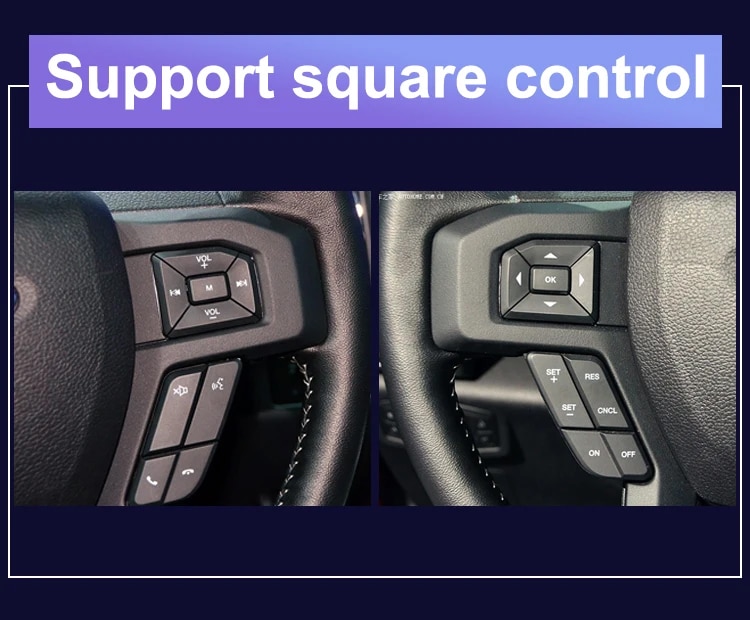
Original steering-wheel instrument controls remain supported where equipped.
Applicable hybrid-energy or four-wheel-drive information is supported when available from the original vehicle configuration.
The matched harness is designed to connect without intentionally cutting the supported factory main wiring.
These images show the physical cluster assembly, rear housing, screen structure and connection hardware supplied for the upgrade.
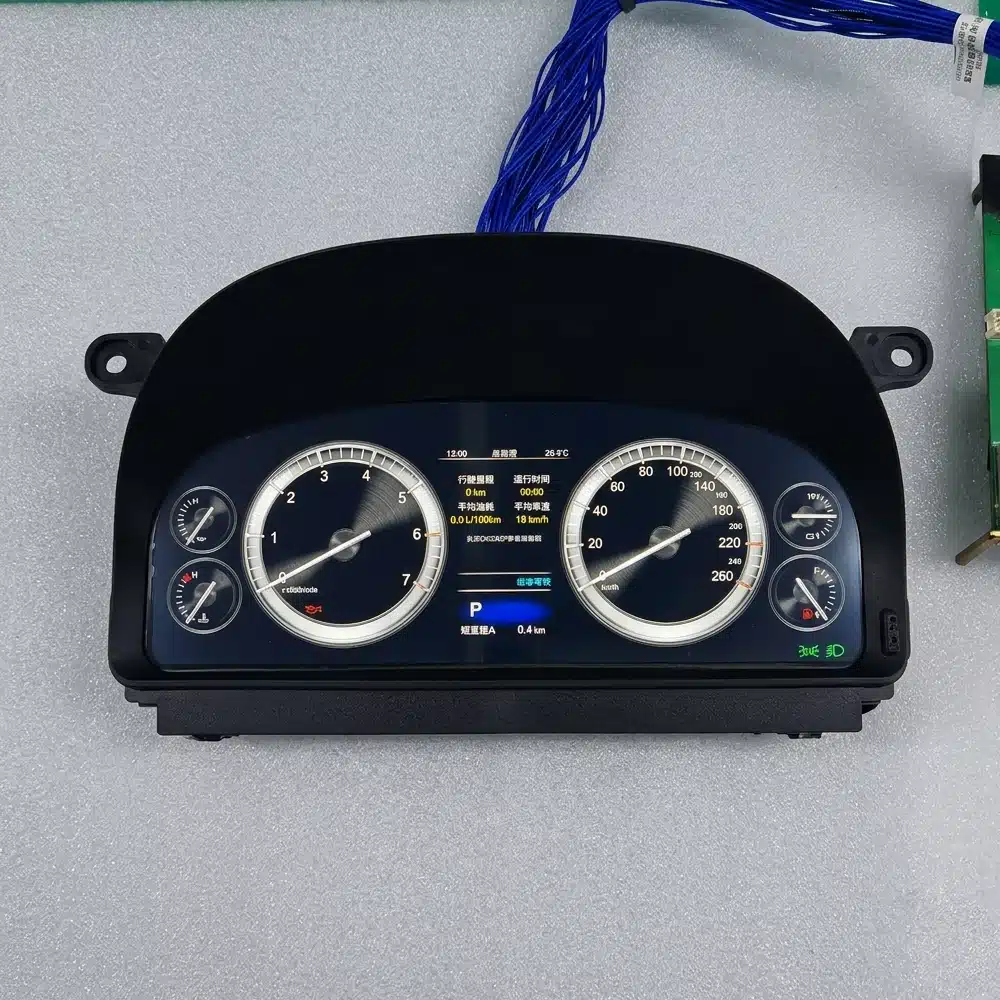
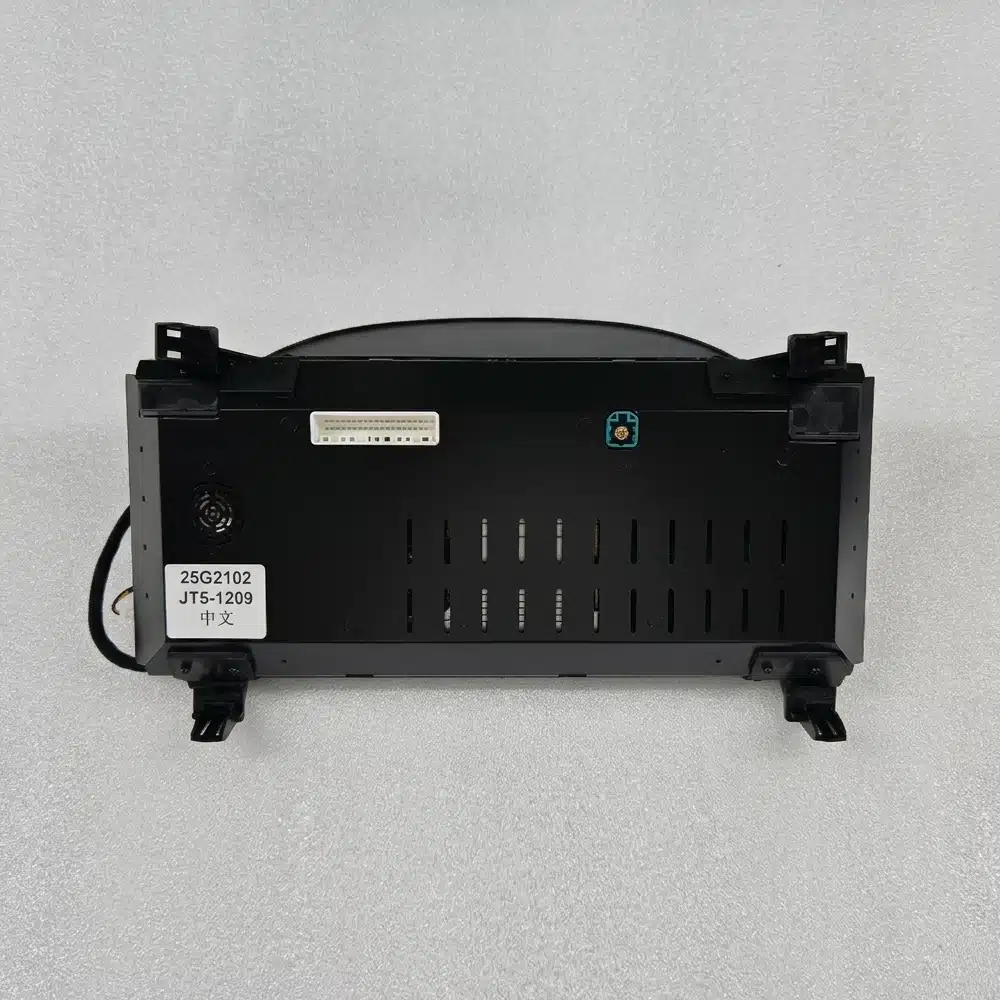
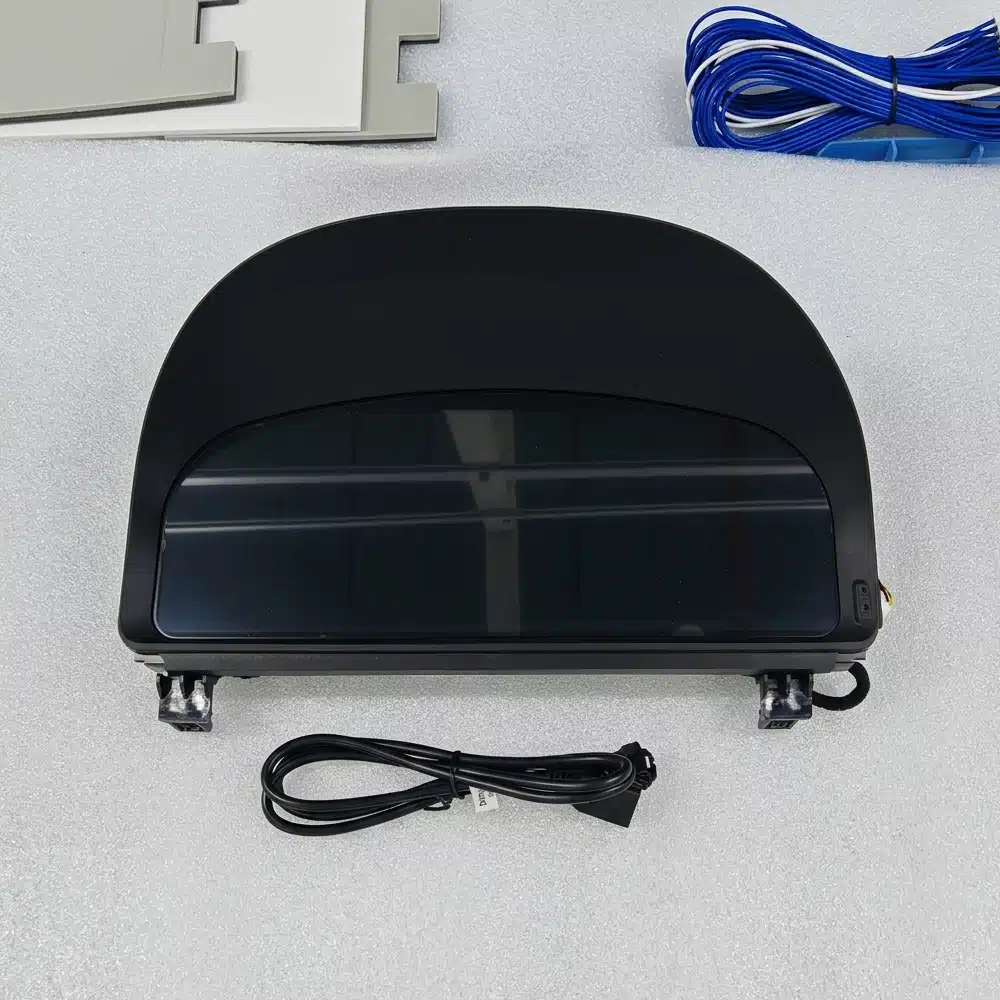
The instrument cluster is built around a dedicated Linux system rather than a general-purpose Android entertainment platform. This keeps the focus on driving data, instrument layouts and fast access to essential information.
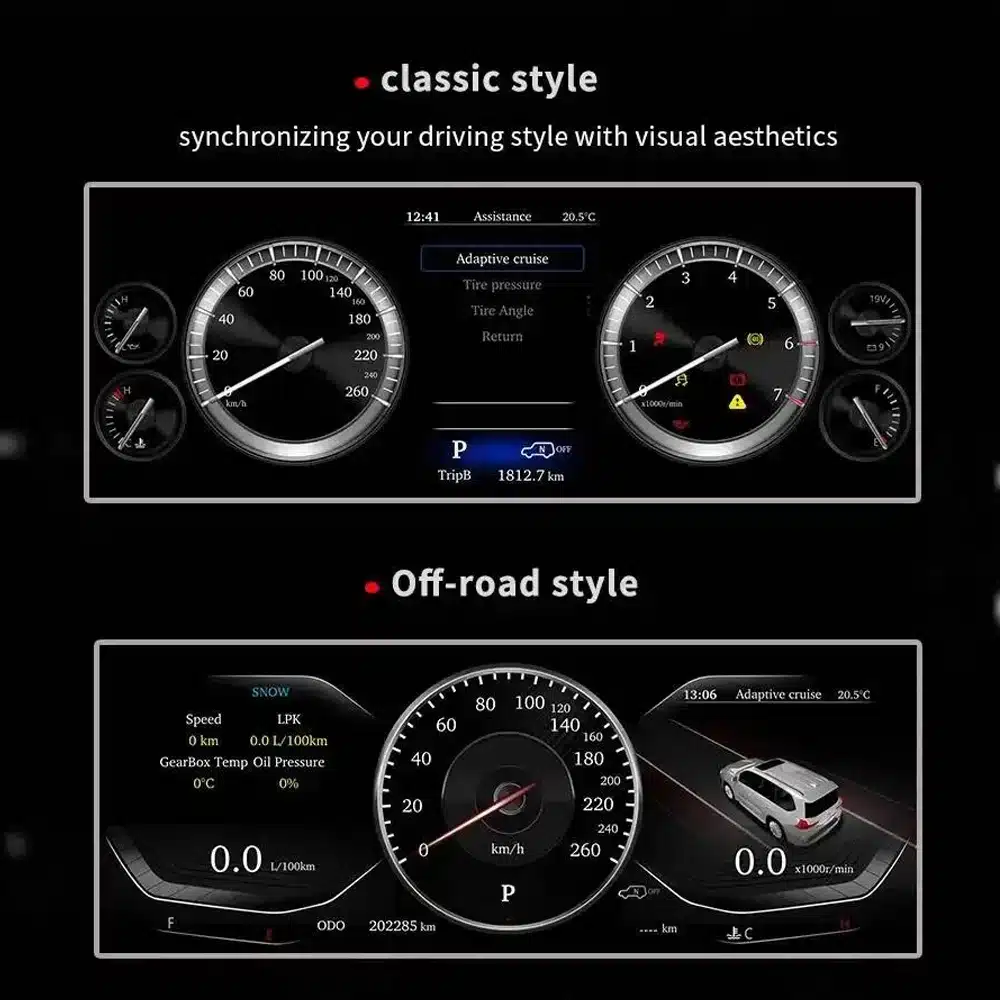

The instrument cluster is directly in front of you every time you drive. The wider display and revised layouts are visible on every journey, not only when using a specific app.
For imported vehicles, a small MPH converter may solve one problem. A full digital cluster can combine unit preparation with a broader visual and information upgrade.
Repairing the original cluster restores the original experience. This product is for owners who also want a modern driver display and selectable layouts.
If you plan to keep your Alphard, upgrading the driver interface can make the vehicle feel more current without changing the comfort and space you already value.
These assessments help you understand the practical value, vehicle integration and installation work before ordering.
This is a strong upgrade for owners who want a more modern driver display, clearer daily information and a complete digital-dashboard appearance.
When the correct 20 Series version is prepared, the cluster is designed to integrate supported speed, RPM, gear, fuel, temperature, mileage, consumption, warning and steering-control information into the new digital display.
Installation requires careful removal of the original instrument assembly, correct wiring identification, vehicle-data testing and verification of mileage, warning indicators and power behavior.
A higher installation level reflects the amount of professional work required. It does not indicate lower product quality, lower compatibility or lower upgrade value.
Alphard registration years can overlap between regions. The dashboard shape and original instrument assembly are more reliable than the registration year alone.
This page is intended for the second-generation Alphard dashboard commonly associated with approximately 2008–2015 vehicles. Provide a clear front photo of your original cluster and dashboard so iKAGOO can confirm the correct housing and connection version.
Vehicles using the later third-generation dashboard require the separate 2015–2019 cluster product. Do not select only by registration year.

| Vrsta proizvoda | Full LCD digital instrument cluster |
|---|---|
| Primary Vehicle Application | Toyota Alphard 20 Series / AH20, subject to dashboard and connector confirmation |
| General Model Period | Approximately 2008–2015 second-generation dashboard; registration years may vary by market |
| Veličina zaslona | 12,3 inča |
| Rezolucija | 1920 × 720 |
| Display Construction | OGS IPS |
| Uglov gledanja | Up to 178° reference |
| Operativni sustav | Dedicated Linux instrument system |
| Processing Platform | Four-core platform |
| Display Themes | Multiple themes and layouts; exact set depends on the prepared version |
| Driving Information | Speed, RPM, gear, fuel, temperature, mileage, trip and supported consumption data |
| Vehicle Status | Supported warning indicators and vehicle-status information |
| Units | MPH or KM/H preparation/configuration subject to vehicle version |
| Jezik | Multilingual interface; confirm the required language before shipment |
| Steering-Wheel Interaction | Supported original instrument-control buttons where equipped |
| Wiring | Matched plug-in wiring arrangement prepared for the confirmed vehicle version |
| SKU | FD-132 |
| Listed Product Weight | 6 kg |
| Listed Package Dimensions | 48 × 38 × 28 cm |
The current purchase area uses one ordering route. The physical cluster and connection arrangement are prepared according to the vehicle information you provide rather than by inventing unsupported online variations.
| Opcija | What It Does Well | What to Consider |
|---|---|---|
| Repair the original cluster | Restores the original display and factory appearance. | It does not provide the wider digital interface or selectable modern layouts. |
| Used original cluster | Maintains the original Toyota design. | Version, mileage, coding, age and previous vehicle data may need attention. |
| Small MPH converter or HUD | A simpler solution when the only goal is seeing MPH. | It remains an additional display and does not modernize the complete instrument area. |
| CarPlay-only module | Adds phone navigation, music and calling to the entertainment system. | It does not replace the driver’s instrument cluster. |
| iKAGOO digital cluster | Upgrades the complete driver display with a wide LCD layout and supported original vehicle information. | Correct generation selection and professional installation are required. |
Based on the product hardware shown on this page, the order is centered on the complete instrument-cluster assembly and the applicable connection hardware. Exact package contents are confirmed for the vehicle version prepared for shipment.
The complete screen and housing assembly prepared for the confirmed dashboard version.
Applicable power, data and vehicle-interface connections selected for the confirmed configuration.
Version, regional display requirements and provided vehicle details are checked before shipment.
Use an installer experienced with instrument clusters, vehicle data systems and interior trim. Record the original mileage and photograph all original settings before removing the factory cluster.
Compare the vehicle, original dashboard, cluster shape, steering position and connectors with the order information.
Photograph the current odometer, warning-light state, units and original instrument operation before disassembly.
Protect the dashboard and trim, disconnect the vehicle battery as appropriate and remove the original assembly carefully.
Do not connect by force. Confirm that connector shape, pin arrangement, interface labels and wiring match the prepared instructions.
Install the matched wiring, power the cluster and apply the applicable vehicle, language and unit settings.
Check speed, RPM, gear, fuel, temperature, mileage, steering controls and warning indicators before refitting all trim.
Switch the vehicle off, confirm normal cluster shutdown and verify that the vehicle enters its normal sleep state.
Refit all trim only after the display, data, warnings, controls and power behavior have been checked successfully.
Pausing at this stage protects the vehicle and the product. Send clear connector photos and a short video to iKAGOO so the correct connection guidance can be provided.
iKAGOO checks the supplied model, year, dashboard, instrument and regional information before shipment.
Orders are shipped with tracking. Processing begins after payment and the required vehicle information are received.
Eligible hardware faults are handled under the current iKAGOO warranty terms from the confirmed delivery date.
Connection, configuration and troubleshooting support is available when the installer provides clear photos and test information.
iKAGOO assists with reasonable setup and function checks according to the confirmed vehicle configuration.
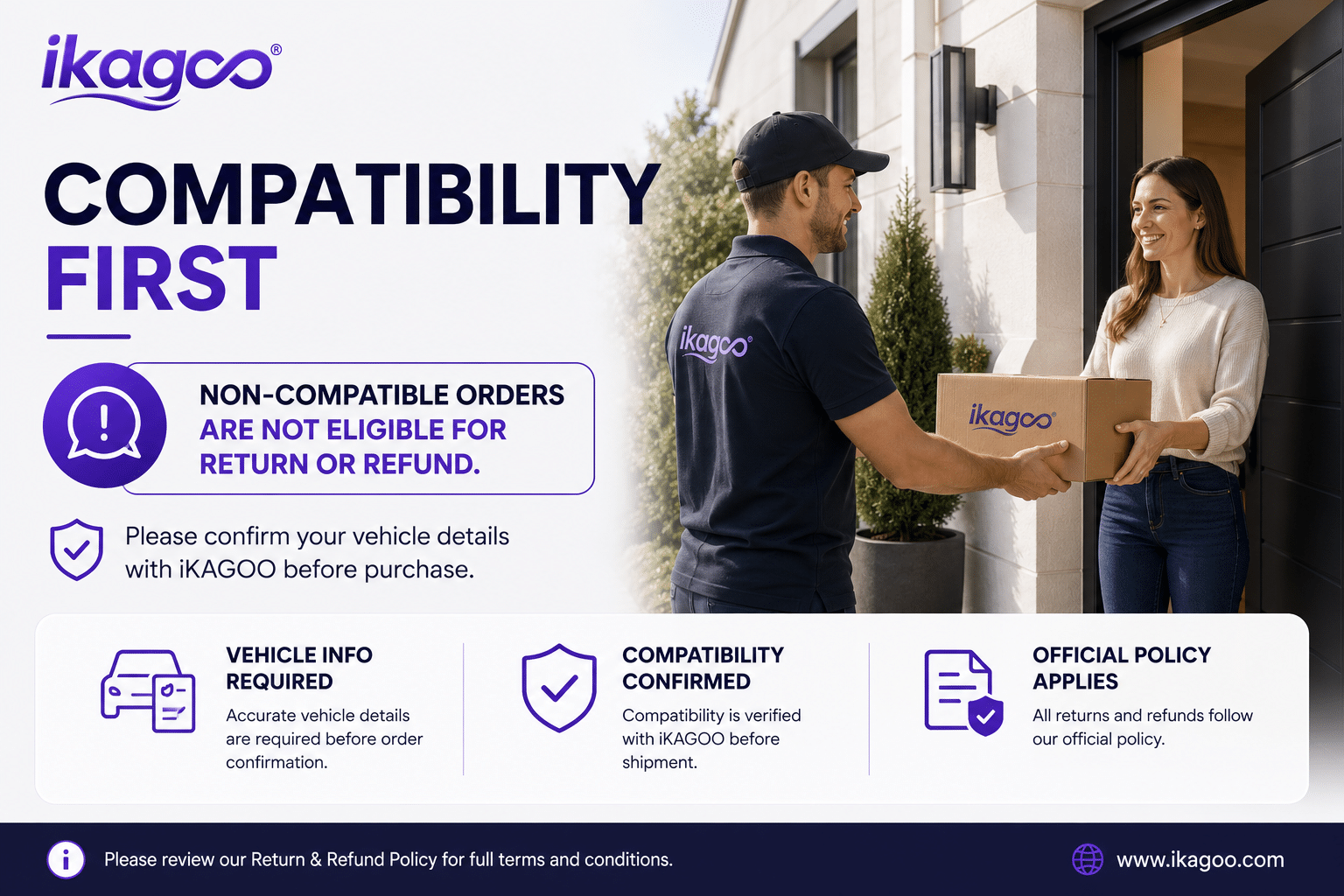
If iKAGOO confirmed compatibility from accurate information and no reasonable installation solution is available after troubleshooting, the current refund policy applies.
This page is intended for the Alphard 20 Series dashboard. Registration years can overlap with later models, so iKAGOO checks your current cluster photo, dashboard, steering position, drivetrain and connector configuration before shipment.
Provide the model, registration year, clear front photo of the original cluster, wide dashboard photo, LHD/RHD, petrol or hybrid configuration, required MPH/KM/H, language and a photo of the current odometer.
It is a complete full-LCD instrument-cluster replacement. It is not an Android head unit, car radio or CarPlay-only module.
MPH or KM/H requirements can be checked during order preparation. Tell iKAGOO which unit you need and provide your vehicle’s market specification.
Photograph and record the original odometer before removing the factory cluster. Mileage handling can depend on the vehicle and cluster version, so confirm the required process with iKAGOO and your installer before installation. The owner and installer remain responsible for complying with local mileage-disclosure laws.
Supported original steering-wheel instrument controls continue to work through the prepared vehicle interface where the vehicle is equipped with those controls.
Supported warning indicators and vehicle-status information continue to be displayed after correct connection and configuration. The installer should test every warning state before completing the dashboard reassembly.
Applicable hybrid-energy and four-wheel-drive information can be displayed when the original vehicle provides the required data and the correct version is prepared. Include the drivetrain information with your order.
The matched harness is designed to connect without intentionally cutting the supported factory main wiring. Stop installation and contact iKAGOO if cutting or forcing an incompatible connector appears necessary.
Professional installation is recommended. The work involves instrument removal, trim protection, connector verification, data testing, mileage handling and vehicle sleep testing.
The product supports multiple themes and layouts. Media from different prepared versions shows different theme counts, so the exact theme set is confirmed according to the software version supplied with your order.
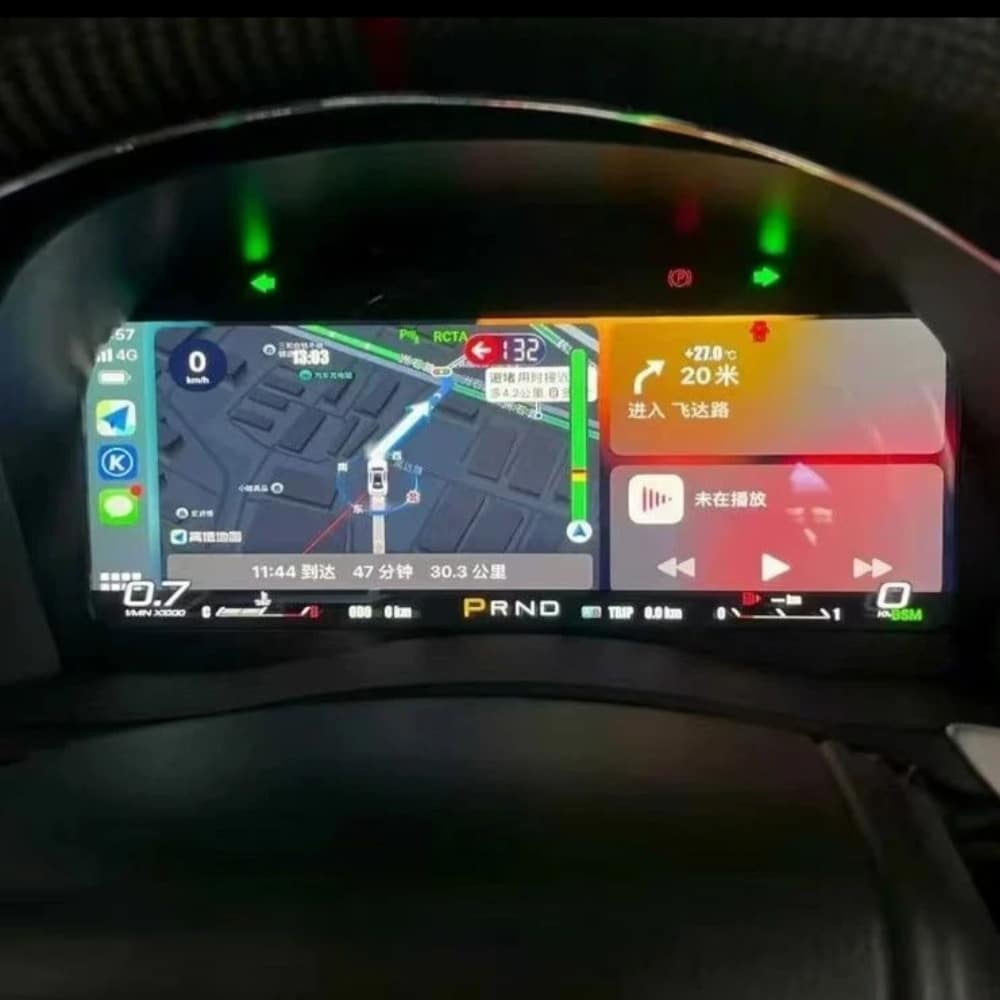
The standard product described here is a dedicated Linux instrument cluster, not a general Android entertainment device. Any navigation, media or phone-projection display shown in reference media depends on the specific external source and prepared interface and should be confirmed before ordering.
The package is centered on the LCD instrument-cluster assembly and the applicable connection hardware prepared for the confirmed vehicle version. Exact supplied items are confirmed with the order.
The product is covered by the current iKAGOO 12-month hardware warranty from the confirmed delivery date. Eligibility, return shipping, repair and replacement handling follow the current published warranty policy.
Provide accurate vehicle information before purchase and cooperate with installation troubleshooting. If iKAGOO confirmed compatibility from accurate information and no reasonable installation solution remains after troubleshooting, the case is handled under the current iKAGOO refund policy. Incorrect information, undisclosed modifications and vehicle-specific limitations are not promoted as unconditional return-and-refund cases.
Choose the current purchase option, provide your vehicle and dashboard information, and let iKAGOO prepare the applicable cluster, display configuration and connection arrangement for your order.

Jasne informacije o obradi narudžbi, međunarodnoj dostavi, proizvodima specifičnim za vozilo, jamstvenoj podršci, povratima i oštećenim pošiljkama.
Ovi odgovori pružaju praktičan sažetak. Potpune stranice politike na koje vode donje poveznice primjenjuju se na sve narudžbe.
Većina narudžbi iKAGOO šalje se iz našeg skladišta u Kini nakon provjere konfiguracije proizvoda i podataka o vozilu. Uobičajena obrada narudžbe traje otprilike 1–3 business days.
Procijenjena vremena isporuke nakon slanja su:
Procijenjena dostava može biti pod utjecajem carinskog postupka, lokalnih praznika, dostave u udaljena područja, vremenskih uvjeta ili kašnjenja prijevoznika.
Standardna međunarodna dostava obično ne uključuje PDV u zemlji odredišta, uvozne pristojbe, brokerske naknade ili troškove carinskog postupka.
Za prihvatljive destinacije u Europskoj uniji, neobavezni DDP usluga dostave mogu biti dostupne. Troškovi povezani s uvozom uključeni su samo kada je DDP odabran pri završetku kupnje ili kada ih iKAGOO potvrdi pismenim putem prije otpreme.
Kada DDP nije odabran, primatelj je odgovoran za sve troškove koje naplate lokalna carina ili prijevoznik.
Ekspresna ili ubrzana dostava može biti dostupna za odabrane proizvode i odredišta. Dostupnost, prijevoznik i dodatni troškovi potvrđuju se prije otpreme.
Ovisno o odredištu i vrsti proizvoda, iKAGOO može koristiti prijevoznike kao što su DHL, FedEx, UPS, EMS, 4PX ili drugog logističkog pružatelja usluga s praćenjem.
Nakon što je narudžba poslana, broj za praćenje ili poveznica za praćenje obično će biti poslani na e-mail adresu korištenu za narudžbu.
Prikaz ažuriranja praćenja može potrajati nekoliko radnih dana dok se pošiljka prenosi između međunarodnih i lokalnih prijevoznika.
Pravo na povrat ovisi o razlogu povrata, stanju proizvoda, statusu instalacije, priloženom dokazu i tome je li povrat odobren od strane tvrtke iKAGOO.
Za povrat neispravnog proizvoda, proizvod mora biti neiskorišten, deinstaliran, kompletan i pogodan za daljnju prodaju. Kupac je općenito odgovoran za odobreni trošak povratne pošiljke.
Izvorni troškovi dostave, DDP troškovi, PDV, carine i drugi logistički troškovi općenito se ne vraćaju, osim ako to ne zahtijeva važeći zakon ili ako iKAGOO ne potvrdi drugačije.
Ne vraćajte proizvod bez prethodnog odobrenja adrese za povrat i uputa za povrat od iKAGOO-a.
Dodatna zaštita može se primijeniti kada je iKAGOO potvrdio kompatibilnost prije kupnje, kada je kupac dostavio točne informacije o vozilu i kada je kupac surađivao u razumnim koracima instalacije i dijagnostike.
Ako iKAGOO potvrdi da nije dostupno razumno tehničko rješenje, i problem je prijavljen unutar 7 kalendarskih dana nakon dostave, kupac može imati pravo na povrat cijene proizvoda bez obveze vraćanja proizvoda.
Originalna dostava, DDP, PDV, carinske pristojbe i ostali troškovi trećih strana nisu uključeni u ovaj povrat cijene proizvoda.
Uvjetovani iKAGOO proizvodi uključuju a 12-mjesečno ograničeno jamstvo na hardver pokriva potvrđene proizvodne nedostatke i prihvatljive hardverske kvarove pri normalnoj upotrebi.
Ovisno o problemu, rješenje može uključivati daljinsku dijagnostiku, pomoć pri konfiguraciji, zamjenske dijelove, popravak, zamjenu proizvoda, djelomični ili puni povrat novca.
Jamstvo obično ne pokriva oštećenja uzrokovana nepravilnim ožičenjem, neovlaštenim izmjenama, slučajnim oštećenjem, prodiranjem vode, udarom, zlouporabom, nepravilnim naponom, pogreškom pri instalaciji ili nekompatibilnom opremom trećih strana.
Pregled ili ispitivanje od strane treće strane ne poništava automatski cijelu jamstvo. Međutim, oštećenja uzrokovana neovlaštenim popravkom, zamjenom komponenti, nepravilnom izmjenom, oštećenim sklopovima ili nepravilnim ponovnim sastavljanjem nisu pokrivena.
Prije rastavljanja ili popravka proizvoda kontaktirajte iKAGOO kako bi vam se mogla pružiti ispravna dijagnostička procedura.
Kontaktirajte iKAGOO unutar 7 kalendarskih dana nakon dostave i sačuvajte originalno pakiranje, naljepnicu za dostavu, dodatnu opremu i proizvod.
Molimo dostavite jasne fotografije ili videozapis koji prikazuju:
Nakon provjere, iKAGOO može organizirati pošiljku dijela koji nedostaje, zamjenu, popravak, povrat novca ili drugo razumno rješenje ovisno o konkretnom slučaju.
Kontaktirajte iKAGOO prije instalacije ili korištenja proizvoda. Zamjena ili povrat mogu biti odobreni ako je proizvod neiskorišten, deinstaliran, potpun i pogodan za daljnju prodaju.
Kupci su obično odgovorni za troškove dostave i svaku razliku u cijeni kada je odabran pogrešan proizvod, model vozila, godina ili tvornička konfiguracija.
Besplatna prepaid povratna naljepnica se ne isporučuje automatski.
Kontaktirajte iKAGOO što je prije moguće, po mogućnosti unutar 12 sati nakon narudžbe, pri zahtjevu za promjenu adrese, konfiguracije vozila ili proizvoda.
Modifikacija ili otkazivanje ne stupa na snagu dok ih ne potvrdi iKAGOO. Proizvodi specifični za vozilo mogu ući u nabavu, programiranje, testiranje, konfiguraciju ili prilagodbenu pripremu ubrzo nakon uplate.
Nakon što je priprema ili otprema započela, otkazivanje možda neće biti moguće ili će se odbitati razumni troškovi koji su već nastali.
Sadržaj paketa razlikuje se ovisno o proizvodu, modelu vozila, tvorničkom sustavu i odabranoj konfiguraciji.
Ovisno o proizvodu, paket može uključivati glavni uređaj, kabelske snopove specifične za vozilo, CANBUS sučelje, adaptere, USB kabele, antene, mikrofone, montažni pribor i druge dodatke za ugradnju.
Za točne uključene komponente pogledajte relevantnu stranicu proizvoda, fotografije pakiranja i potvrdu narudžbe.
Možete kontaktirati iKAGOO putem obrasca za kontakt, e-pošte, WhatsAppa ili dostupnih kanala podrške na web-stranici. Uobičajeno vrijeme odgovora je unutar 24 radna sata.
Za bržu tehničku podršku, navedite broj narudžbe, model i godinu vozila, fotografije tvorničkog sustava, fotografije proizvoda i jasan video koji prikazuje problem.
Posjetite: iKAGOO Kontak i podrška
Plaćanja se obrađuju putem sigurnih metoda plaćanja prikazanih tijekom dovršetka kupnje. Dostupne opcije plaćanja karticama, putem novčanika i na rate mogu se razlikovati ovisno o zemlji, valuti, pružatelju usluga plaćanja i ispunjavanju uvjeta od strane kupca.
Bilo koja usluga obročnog plaćanja, uključujući opcije koje nude PayPal ili drugi pružatelj, podliježe regionalnoj dostupnosti i pravilima odobravanja tog pružatelja.
Prije narudžbe pregledajte sve stranice politike, osobito one koje se odnose na proizvode specifične za vozilo, međunarodne porezne aranžmane i povrate vezane uz ugradnju.
Ovaj FAQ je pojednostavljeni vodič za kupce. Ako se bilo koja formulacija razlikuje, prednost imaju potpune objavljene stranice politike, potvrda narudžbe i primjenjivi zakoni o zaštiti potrošača.
$995.00 Izvorna cijena bila je: $995.00.$785.00Trenutna cijena je: $785.00.
 English English
  Español
  Deutsch
  Italiano
  Português
  العربية
  Nederlands
  Français
  Bahasa Indonesia
  Svenska
  Русский
  ไทย
ไทย  Tiếng Việt
  Dansk
Dansk  Hrvatski
  Bosanski English English Español
Deutsch
Italiano
Português
العربية
Nederlands
Français
Bahasa Indonesia
Svenska
Русский
ไทย
Tiếng Việt
Dansk
Hrvatski
Bosanski
Bosanski English English Español
Deutsch
Italiano
Português
العربية
Nederlands
Français
Bahasa Indonesia
Svenska
Русский
ไทย
Tiếng Việt
Dansk
Hrvatski
Bosanski
Odaberite ono što planirate kupiti. Prikazujemo samo detalje potrebne za taj proizvod.
Pregledat ćemo detalje i poslati preporučenu verziju proizvoda na vašu e-poštu.
Koristimo osnovne kolačiće kako bismo web-mjesto održali sigurnim i ispravno funkcionalnim. Uz vaš pristanak, možemo također koristiti analitičke kolačiće za poboljšanje iskustva pregledavanja. Pogledajte naše Pravila o privatnosti.


Recenzije
Još nema recenzija.